Barcode scanning and product lookup
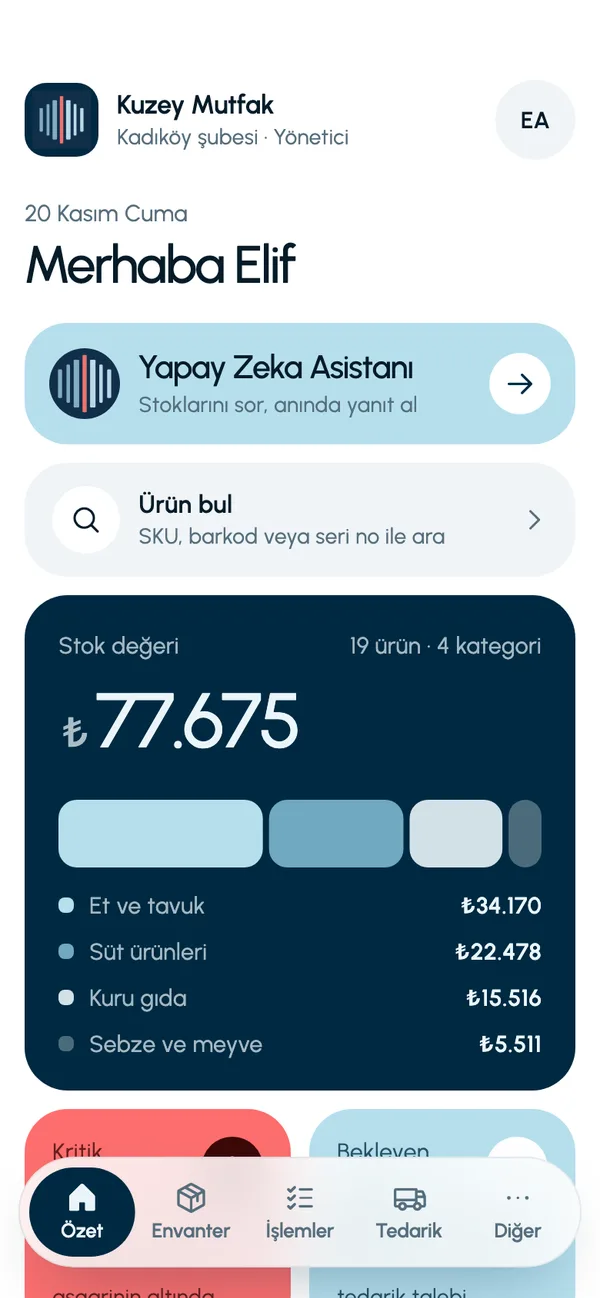
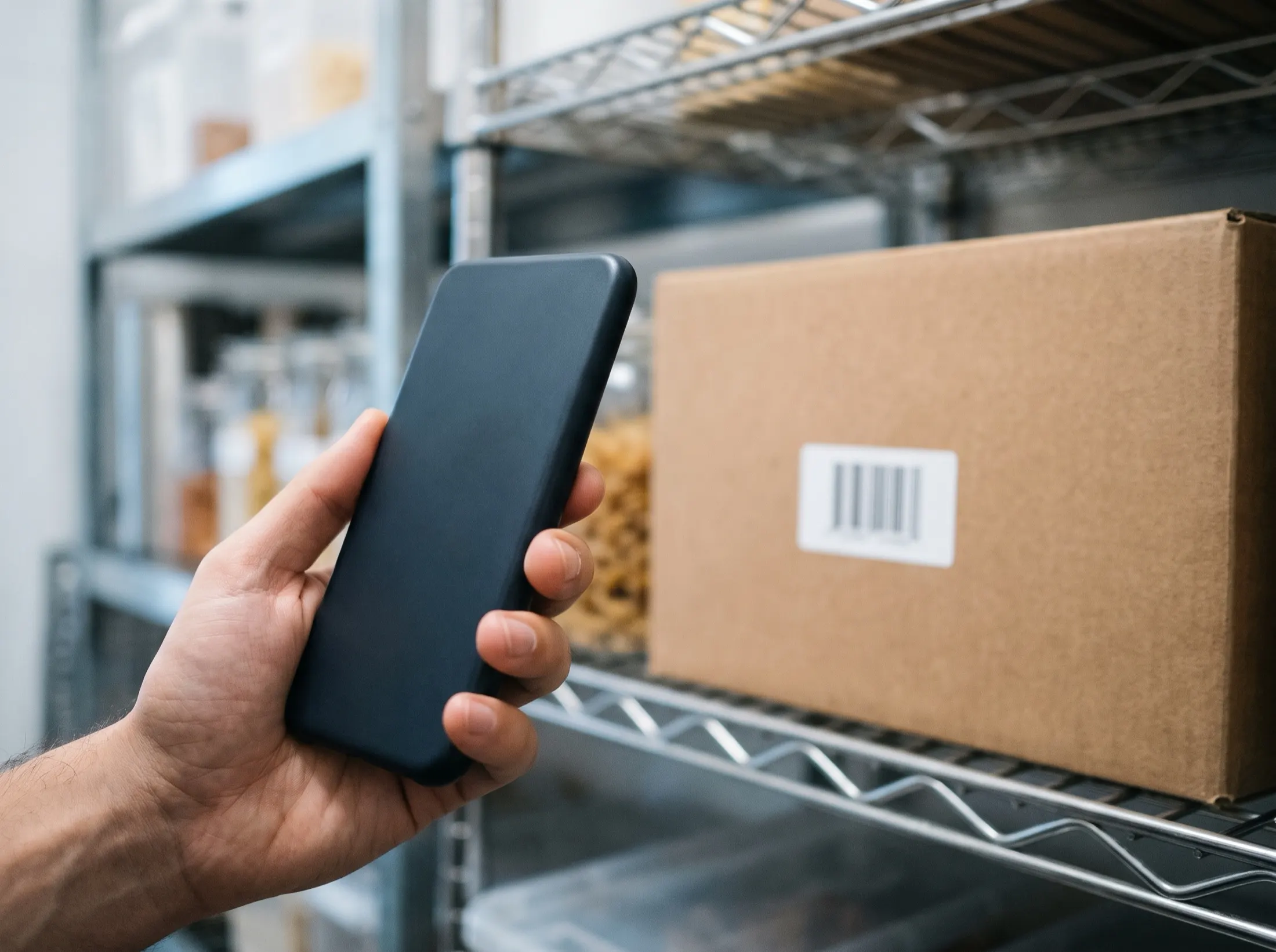
LineerStok turns the phone's camera into a barcode scanner. When you scan a product's barcode or QR code, its stock quantity, shelf code, SKU and unit cost appear on screen. You do not need a separate handheld terminal. You can also search by typing the SKU or serial number.
What you can do
Scanning with the camera
EAN-13, EAN-8, UPC-A, UPC-E, Code128, Code39, Code93, ITF-14 and QR codes are read.
Flashlight for dim storerooms
The flashlight button on the scan screen helps in a cold room or a dimly lit storeroom.
Search by three codes
You find a product by SKU, barcode or serial number. The result shows stock, shelf and unit cost.
Barcode on the product card
When adding a new product, you can scan the barcode with the camera and save it to the card instead of typing it.
Business-wide search
The business admin can search for the same product across all branches.
Screens from the app
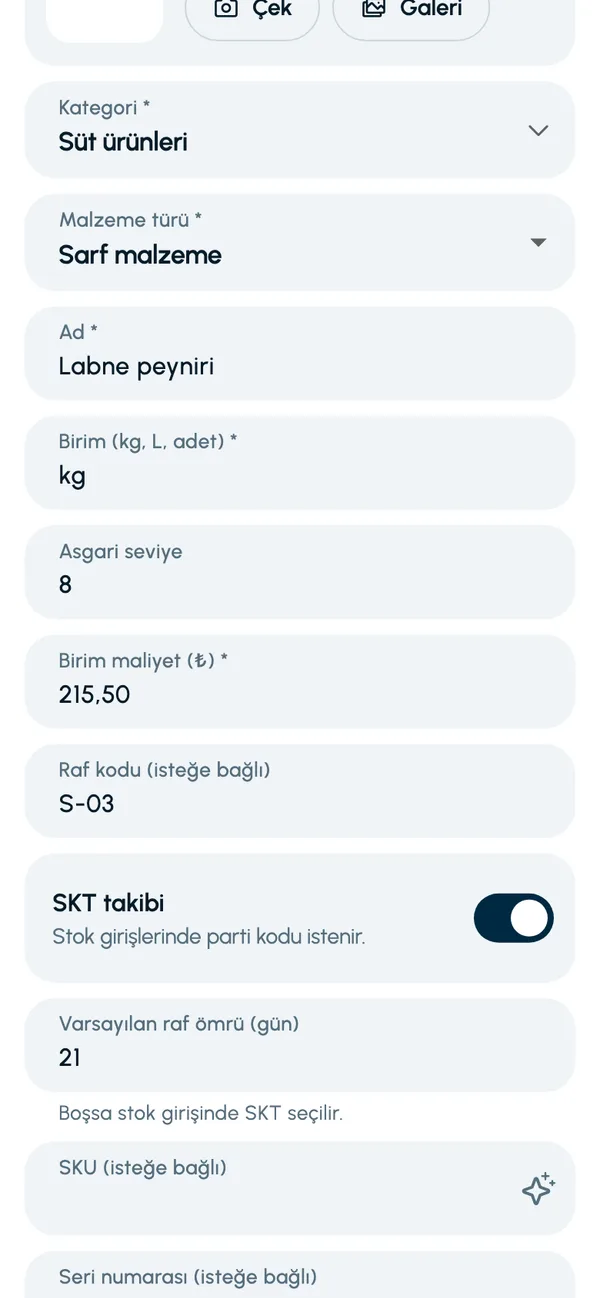
These are real screens from the app. The app interface is in Turkish; the business and products shown are sample data.
How it works
- 1
Assign the barcode to the product
Fill in the barcode field on the product card using the camera.
- 2
Open Find product
Tap the Find product card (Ürün bul) on the Summary screen (Özet).
- 3
Scan or type
Point the camera at the barcode or enter the code by hand.
- 4
See the result
Stock quantity, shelf, SKU, serial number and unit cost appear on screen.

At a glance
- Barcode types
- EAN-13, EAN-8, UPC-A, UPC-E, Code128, Code39, Code93, ITF-14
- 2D code
- QR
- Search fields
- SKU, barcode, serial number
- Hardware
- The phone's camera is enough
Good to know
- Search works on exact matches; you need to scan or type the whole code.
- Barcodes are used for identifying products and finding them. Recording stock in or counting by scanning a barcode is not available yet.
Frequently asked questions
Do I need a separate device to scan barcodes?
No. LineerStok uses the phone's camera. You do not need to buy a handheld terminal or a separate barcode scanner.
Which barcode types are read?
EAN-13, EAN-8, UPC-A, UPC-E, Code128, Code39, Code93, ITF-14 and QR codes are read.
How do I find a product that has no barcode?
You can search by SKU or serial number. You can have the app generate the SKU automatically when you create the product.


Let us set up your stock together
We will walk you through the app with your own products and branches. The demo is free and takes about 30 minutes.