Inventory tracking for auto repair and spare parts
LineerStok lets auto repair shops and spare parts dealers manage their stock from the phone. It finds a part by its SKU, barcode or serial number, shows its quantity and cost, lists items that have dropped below their minimum level and links stock out to a customer. It is not a work order or invoicing system.

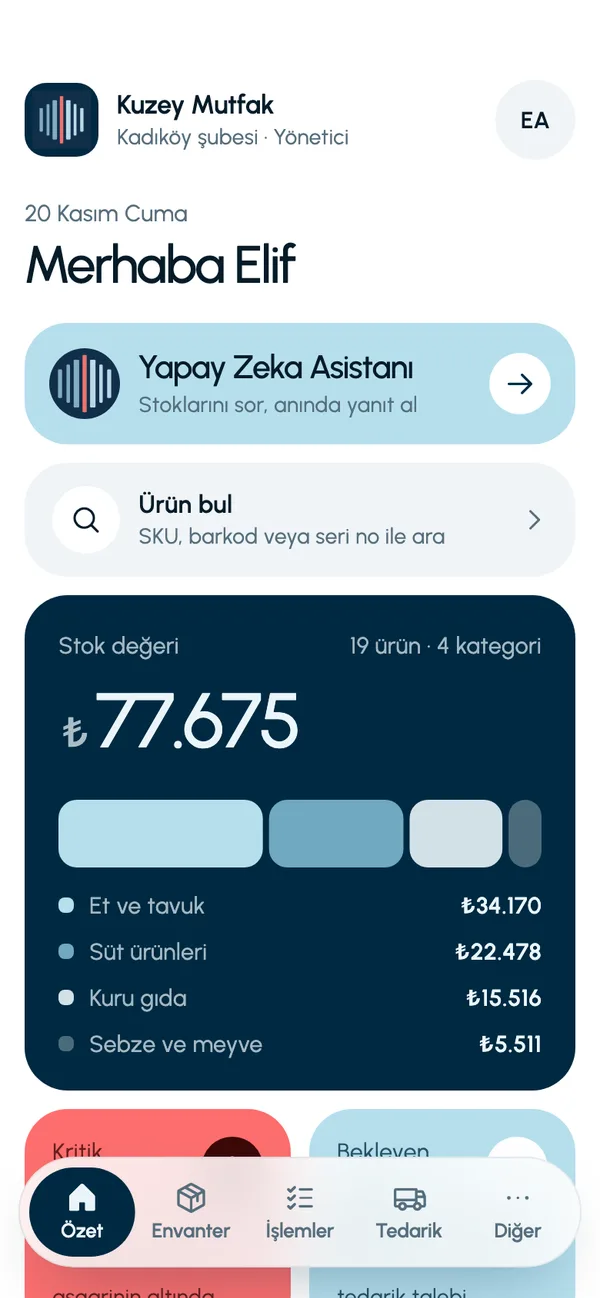
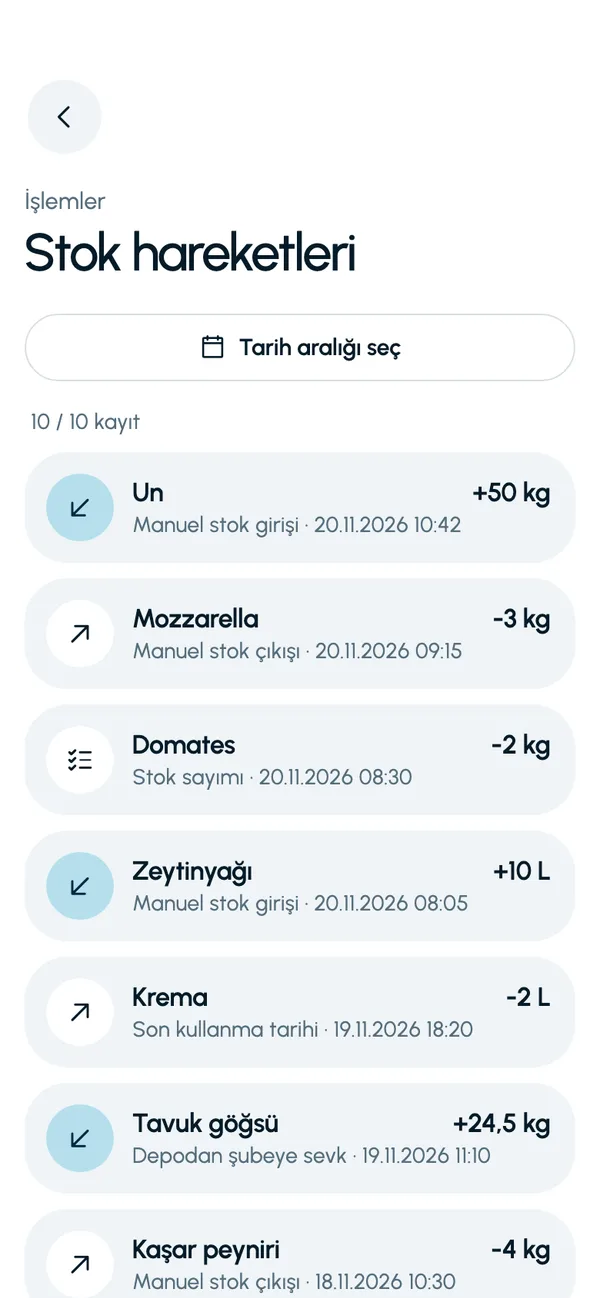
The business and products on these screens are sample data (a restaurant). You define your own products, units and categories.
Familiar problems and how the app handles them
Is the part on the shelf?
Type the SKU or scan the barcode; see the part's quantity, its shelf and its stock in the other branches.
Fast-moving parts run out
Give items such as filters, brake pads and oil a minimum level; when they drop below it, they appear as critical on the Summary screen (Özet).
Which part went to which customer?
Link a stock out to a customer; on the customer's card, the stock issued to that customer is listed with the dates.
Money sitting on the shelf
The Summary screen shows stock value category by category; you can export the inventory as an Excel or CSV file.
A day with LineerStok
- 1
Receiving
Receive parts from the supplier against the approved request; stock goes up.
- 2
Stock out to the service bay
Record the part used as stock out, with the customer selected.
- 3
End of day
Look at low-stock parts and raise purchase requests for what is missing.
- 4
End-of-period count
Do the count on your phone and approve the variances.


Frequently asked questions
Are there work orders, vehicle records or invoices?
No. LineerStok does stock management only. Linking to a customer associates the stock out with that customer; it does not create a work order, invoice or ledger entry.
Can I search by OEM code or vehicle compatibility?
Search works by SKU, barcode and serial number. You can use the OEM code as the SKU; there is no vehicle compatibility catalog.
Can I track products sold by the liter, such as oil?
Yes. Each product's unit is free text: pieces, L or kg, for example. Decimal quantities can be entered.
Do I need a computer to use it?
No. LineerStok is a mobile app; everything is done on the phone. There is no web panel, and it needs an internet connection to work.
Let us set up your stock together
We will walk you through the app with your own products and branches. The demo is free and takes about 30 minutes.